
Every week feels like Christmas morning. Here’s what I discovered this week that’s changing how we make films at TADApix.
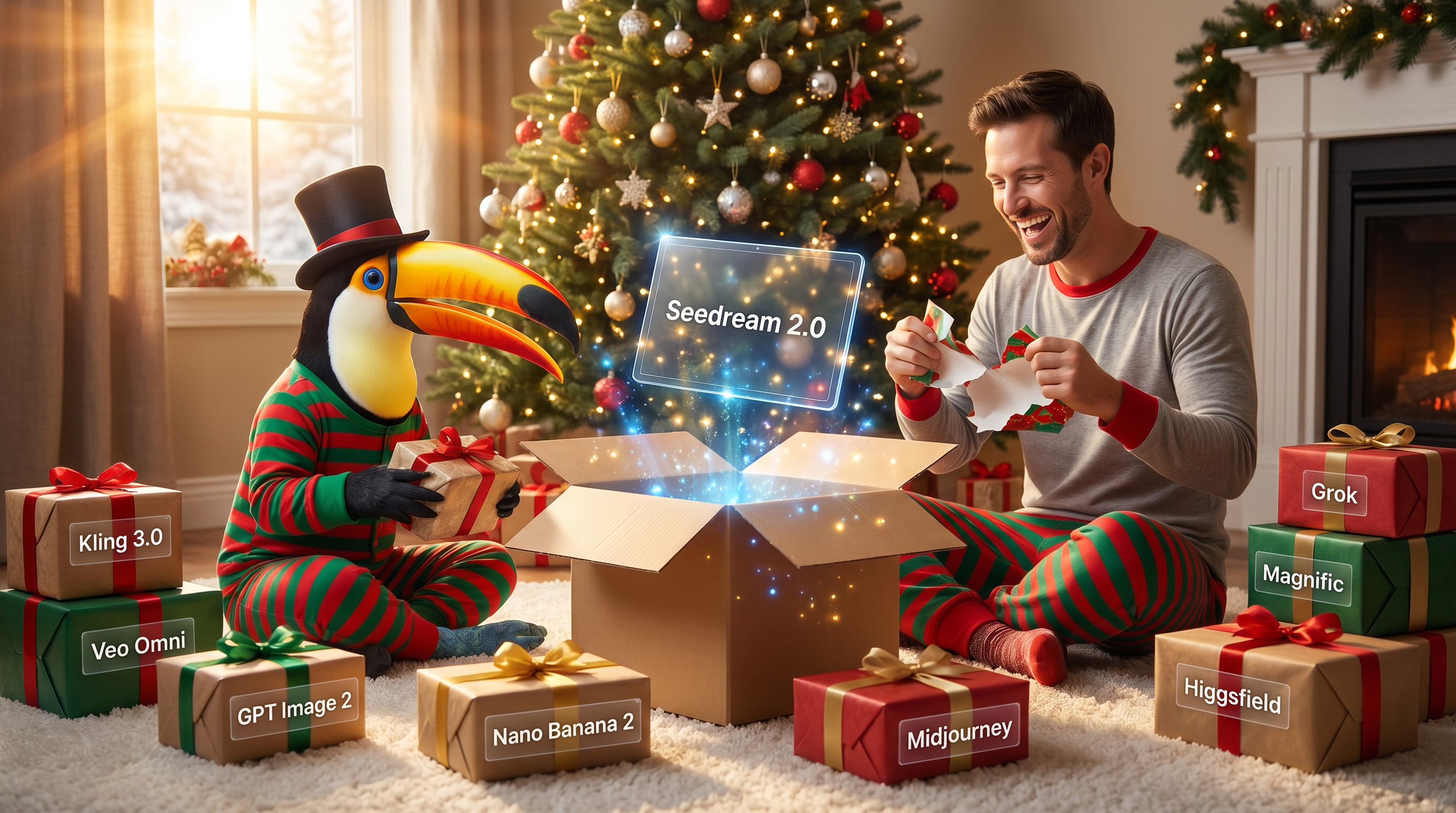
I’ve been making films for 20 years, and I’ve never seen tools evolve this fast. This week delivered major updates across the board—from Seedance holding the #1 spot to YouTube’s auto-detection policy to Runway proving AI can tell real stories. Let’s dig in.
Seedance 2.0 Still Dominating
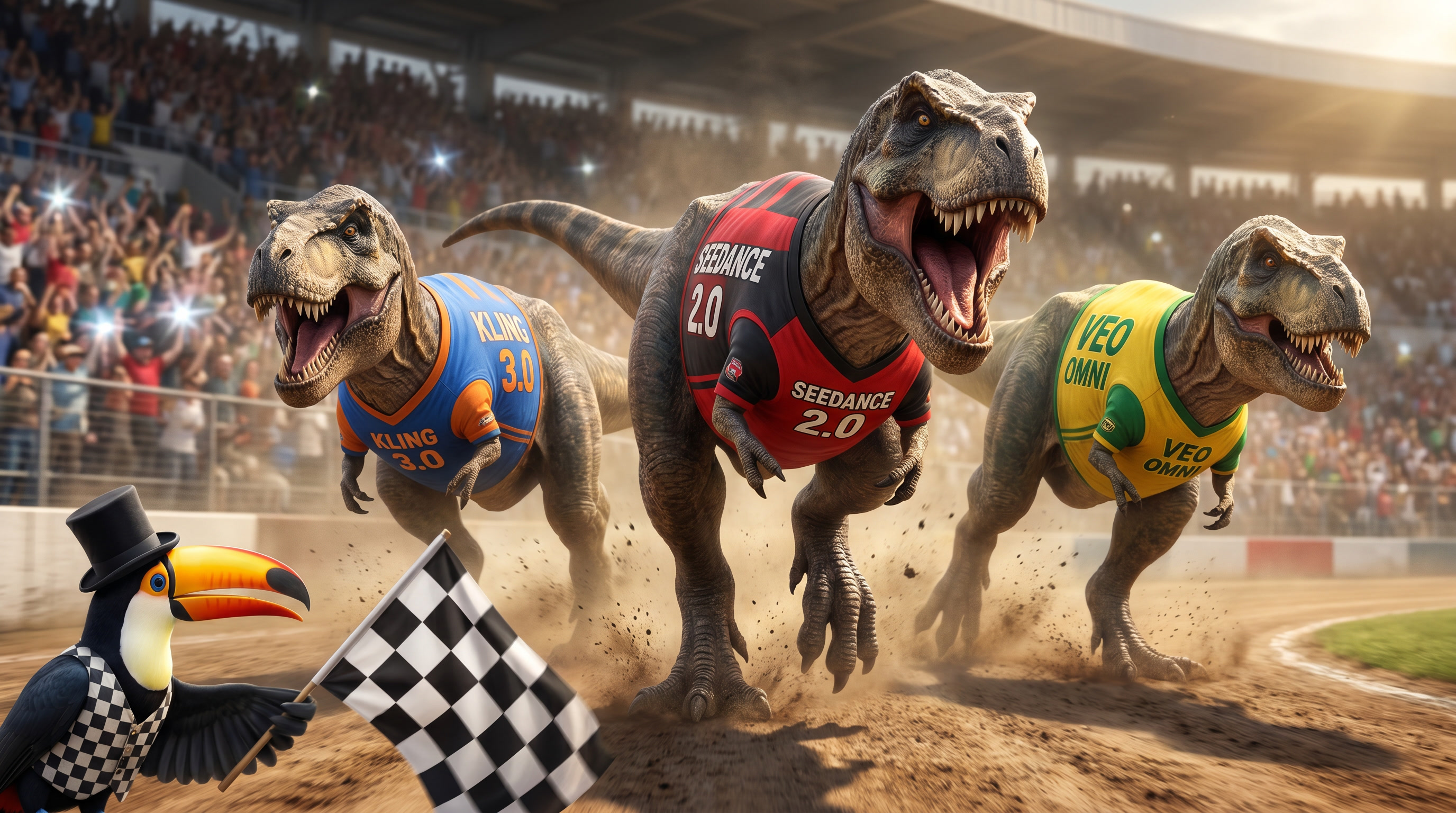
ByteDance’s Seedance 2.0 (launched back in February) just held onto its #1 spot on the Artificial Analysis May 2026 rankings. Four months in, and nothing’s knocked it off.
The real competition? Kling 3.0 is #2, and those are the two tools everyone’s actually using. Veo’s in there as a distant third. The leaderboards sometimes show other models ranking high, but those benchmarks often test things that don’t matter for actual production work.
What’s keeping Seedance at #1? The multimodal input system is part of it—9 reference images + 3 video clips + 3 audio files in a single generation—but that’s not the real story.
Here’s what I’ve learned using it on client work since March:
The motion blur is smoother. When there’s a lot of movement—camera pans, action sequences, fast motion—Seedance handles it with natural motion blur that doesn’t artifact or stutter. Kling and others can feel choppy in comparison.
The rendering is more realistic across the board. Not just characters—everything. Lighting, textures, environmental details. It just looks more real.
It comes up with better shots. This is the part that surprised me most. Seedance generates more interesting coverage and shot composition. It’s not just executing your prompt—it’s making creative decisions about angles, framing, and blocking that work.
Sometimes it’s better NOT to prompt it rigidly. Let it be creative. Give it direction but leave room for interpretation. This is a new way of filmmaking—you’re collaborating with the AI rather than micromanaging every detail.
Seedance vs. Kling: When to Use Each
Both are top-tier, but they excel at different things:
Seedance 2.0 strengths:
- Smoother motion blur and realistic rendering
- Better shot composition and creative choices
- Multi-reference system (9 images + 3 videos + 3 audio)
- ~$7.17 for 15 seconds
Kling 3.0 strengths:
- Native 4K at 60fps
- 15-second clips (longest among top models)
- Free tier available
- ~$4.35 for 4K generation
Bottom line: Seedance when quality and motion matter most. Kling when you need 4K, longer clips, or free experimentation. Both are leagues ahead of everything else.
YouTube Just Changed Everything for AI Creators
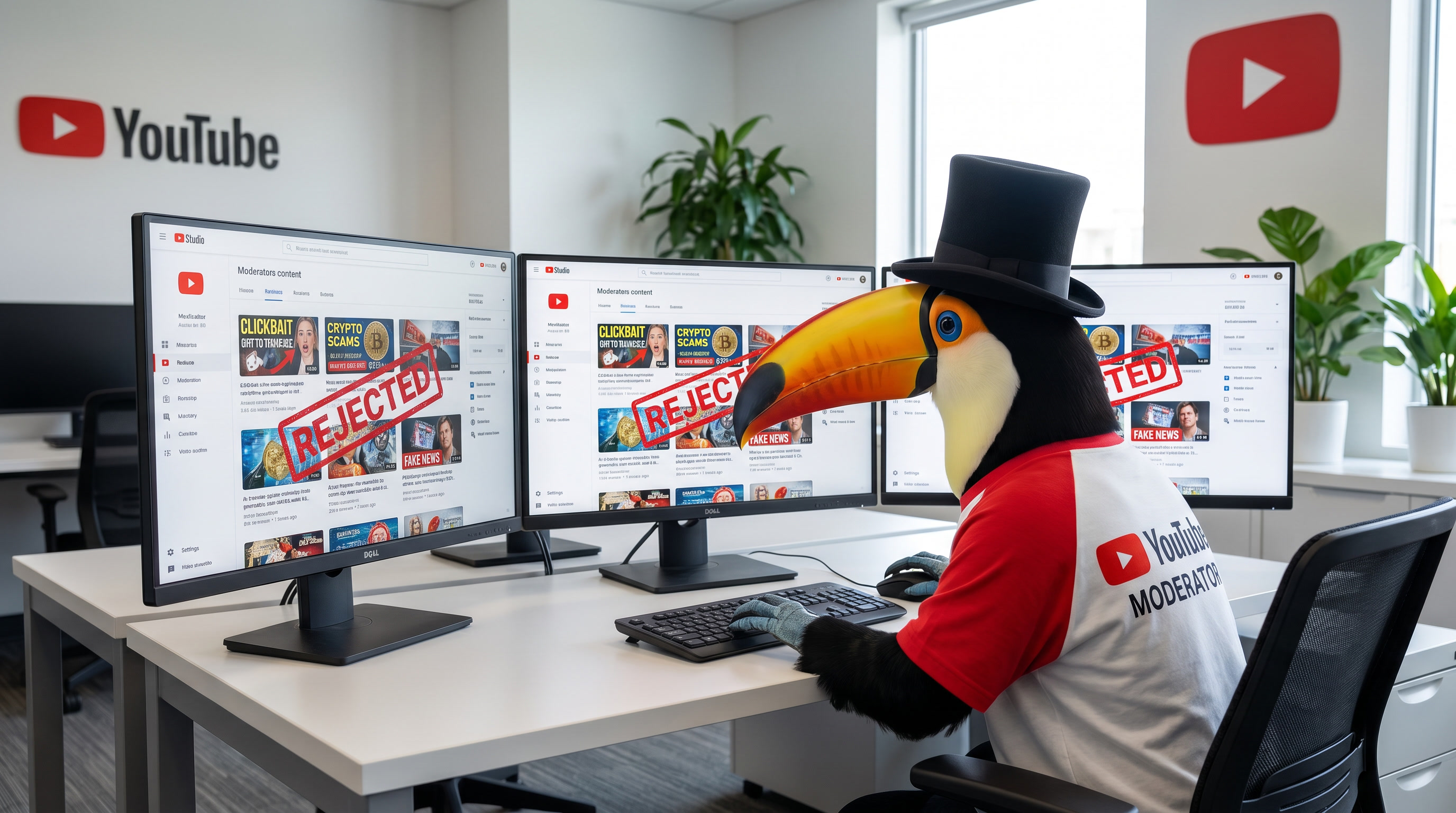
On May 27th, YouTube announced they’re now automatically detecting and labeling AI-generated videos.
From the official YouTube Blog:
“Starting in May 2026, we’re rolling out new internal signals to help identify AI-generated content. If a creator doesn’t specify whether or not they used AI, but our systems detect significant photorealistic AI use, we will now automatically apply a label.”
What’s Changing?
More Prominent Labels:
- Long-form: Label appears directly below the video player
- Shorts: Label appears as an overlay on the video itself
Automatic Detection: YouTube’s systems will catch it even if you don’t manually disclose.
Creator Control (With Exceptions): You can update if incorrectly labeled, EXCEPT for content made with YouTube’s AI tools (Veo, Dream Screen) or containing C2PA metadata.
As Variety reported: “YouTube is making AI-generated content labels more prominent, and it’s going to start automatically applying the labels.”
My take: This is actually GOOD. Transparency builds trust. The work speaks for itself.
Tool Comparisons: What to Use When
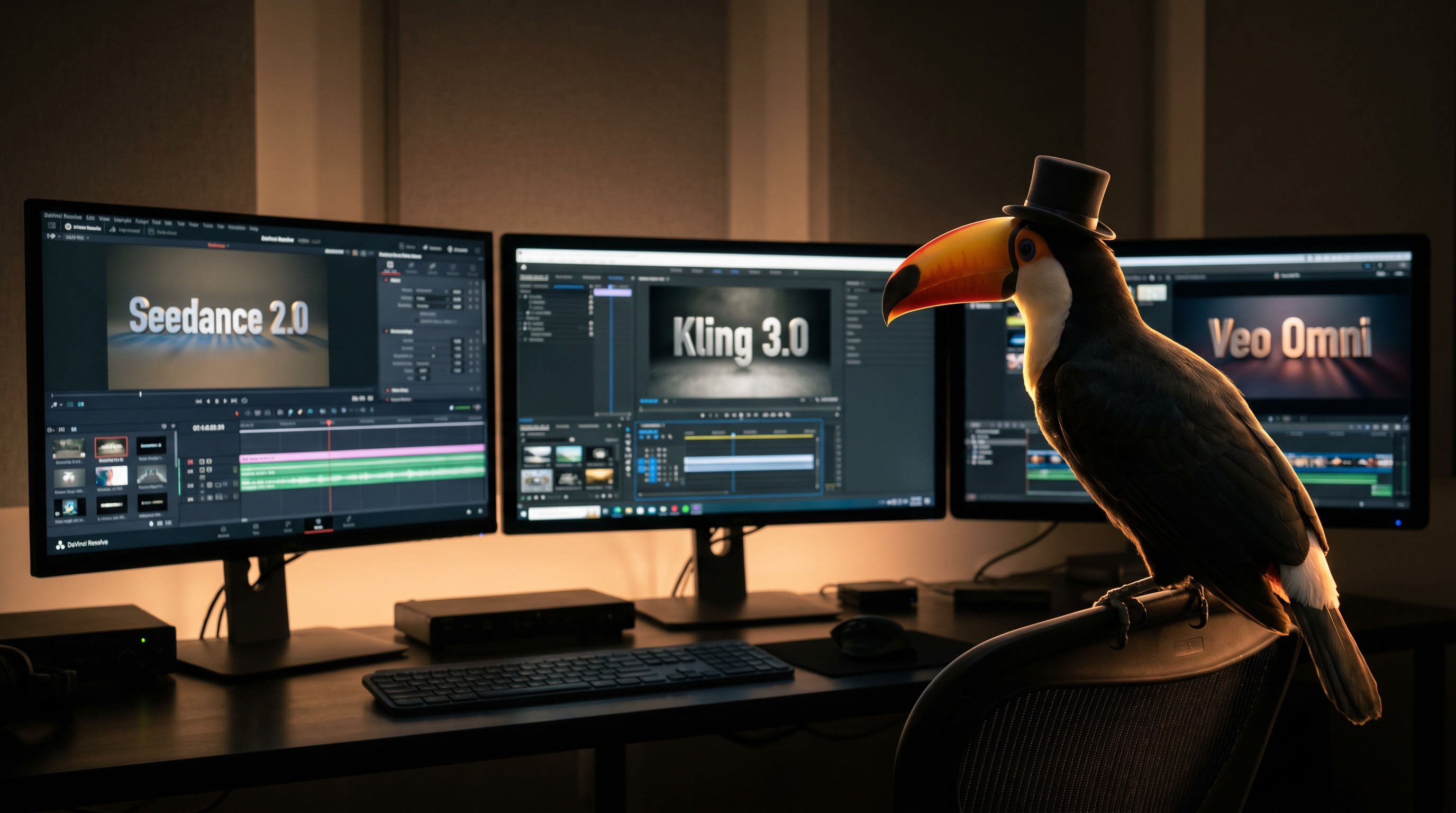
Multiple sources published comprehensive comparisons this week. Here’s what matters:
Google Veo 3.1 – Best for: Dialogue & 4K
Strengths:
- 48kHz synchronized dialogue – ONLY model with proper lip-synced speech in one pass
- Native 4K output (Fast tier)
- Ingredients to Video: Up to 3 reference images per generation
- Three tiers: Lite (fast/cheap), Fast (balanced), Quality (best)
Limitations: 8-second max, more expensive than Kling
Pricing: $19.99/mo (AI Pro) | $249.99/mo (AI Ultra) | $0.03-$0.50/sec (API)
Use for: Dialogue scenes, product demos, ad creative with speech
Kling 3.0 – Best for: Cinematic 4K
Strengths:
- Native 4K at 60fps (not upscaled)
- Higher frame rate and 4K resolution keeps brand names and text from getting wonky
- 15-second clips – longest single-shot among top models
- Multilingual lip-sync – 3 new languages in 3.0
- Four entries in AA top 10
- Free tier with paid plans
Cost (from Curious Refuge):
- Native Kling 4K: ~$4.35/generation
- 1080p + Topaz upscale: ~$4.18
- 1080p + Astra 2: ~$3.37
Verdict: Native 4K eliminates artifacts—costs are nearly identical anyway.
Use for: Cinematic work, short films, brand videos, character consistency
Seedance 2.0 – Best for: Multi-Reference Work
Strengths:
- 9 images + 3 videos + 3 audio per generation
- #1 Elo with audio (1213)
- Multi-shot narrative mode up to 15s
- Character consistency across complex sequences
Limitations: Premium pricing (~$7.17/15s), requires Doubao app
Use for: Client work with specific characters, e-commerce, episodic content
The Multi-Model Strategy
As WaveSpeed AI puts it:
“Most teams I observe don’t pick one model. They route. Image-to-video for product shots to one model; dialogue-heavy narrative to another; high-volume social to a fast tier; hero shots to a premium tier.”
My current TADApix workflow:
- Concepting: Fast, cheap models (Kling Turbo, Veo Lite)
- Dialogue: Veo 3.1 (only proper lip-sync)
- Hero shots: Kling 3.0 (native 4K) or Seedance 2.0 (character consistency)
- Client-specific: Seedance 2.0 (multi-reference system)
- High-volume social: Kling free tier
At TADApix: Our AI Aggregator Stack
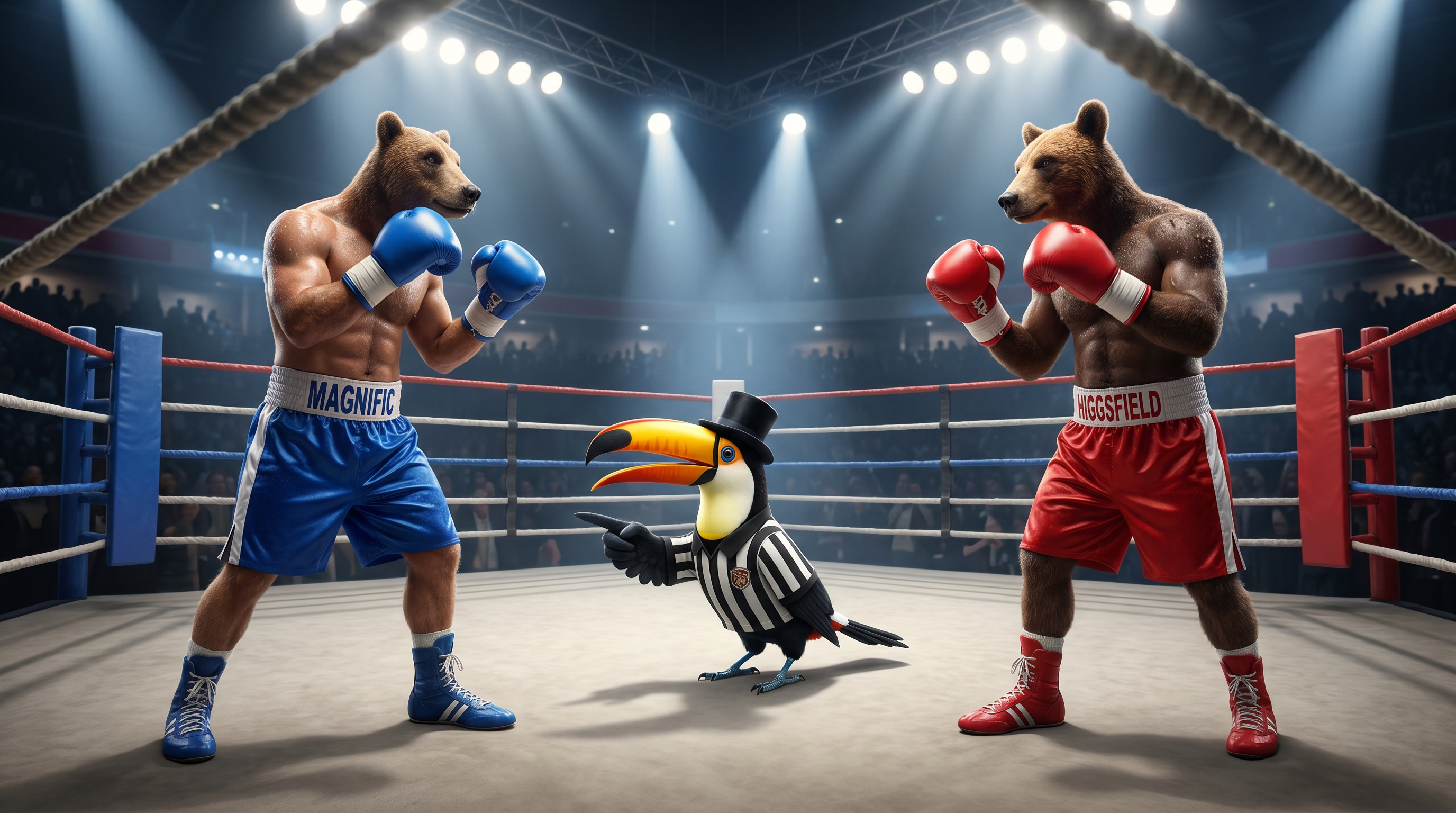
We use Magnific and Higgsfield as our AI video/image aggregators.
Magnific – Our Team’s Preference
Magnific has an excellent “Spaces” tool that has TONS of tools including:
- Image generators
- Video generators
- Audio generators
- 3D Model generators
- Camera angle tools
- And more…
It’s SUPER expensive—costs almost 2x more for the same video render as Higgsfield—but the “Spaces” tool is so good our team prefers it. The all-in-one workflow is worth the premium.
Higgsfield – Budget-Friendly Alternative
Higgsfield has a “Canvas” tool which is similar to Magnific’s Spaces, but really clunky at the moment. It doesn’t have all the tools as Magnific, but still very good for seeing your workflow.
The standout feature? Higgsfield has an agent that can help you build workflows, which is nice when you’re experimenting.
Bottom line: Magnific for production work where workflow efficiency matters. Higgsfield when budget is tight or you want AI help building workflows.
Google Omni Flash: The Long Game
Google dropped Omni Flash at I/O last week. It’s not the quality leader yet, but here’s why I’m watching:
It accepts multiple input types simultaneously—images, video, text, AND audio. It’s trying to understand relationships, not just generate pixels.
But as Theoretically Media called it “Nano Banana for video”—Google’s infrastructure means this could get scary good, fast.
Pricing: $19.99/mo (AI Pro) or $249.99/mo (AI Ultra)
Tool Updates This Week
From Curious Refuge’s weekly tracking (they follow 16+ tools):
Motion Control:
- Kling Motion Control – transfer motion from reference
- Runway Motion Brush – paint movement direction
- Luma Ray3.14 – 4x faster than previous version
Enhancement:
- Topaz Video AI 6.2 – improved Starlight Precise 2.5
- Astra 2 – budget upscaler ($3.37 vs $4.18 Topaz)
Audio:
- ElevenLabs Voice Cloning 3.0 – more emotion, lower latency
- Hedra Character Video – audio-driven lip-sync
Market Trends Worth Watching
The “Best Model” → “Best Workflow” Shift
WaveSpeed AI nails it:
“The useful question is no longer ‘which model is best.’ It’s ‘which model fits this scene, this budget, this integration constraint, this week.'”
This matches what sosugary.com observed:
“Many creators eventually run into the same problem: too many tools. Images in one platform. Video generation somewhere else. Editing in another tab. Voice tools in another system.”
The solution: Multi-model platforms (Higgsfield, Invideo AI, 3D AI Studio) gaining traction.
What AI Video Actually Does Well (2026 Reality Check)
✅ Excels at:
- Concept testing & visual prototyping
- High-volume social content
- Product marketing & e-commerce
- Visual variations for A/B testing
- Compressing timelines
❌ Still struggles with:
- Long-form consistency (beyond 15-20s)
- Complex multi-subject interactions
- Emotional depth (quality ≠ storytelling)
- Spontaneous real-world events
Pricing Trends: Race to $0
From digen.ai:
“Entry-level plans now starting as low as $9.99 per month for high-definition output.”
Current entry pricing:
- Runway Standard: $12/mo
- Luma Lite: $7.99/mo
- Kling: Free tier + paid
- Pika: $8/mo
Critical Business Update: OpenAI Exits
Sora 2 was deprecated April 26, 2026. API shuts down September 24, 2026.
If you built on Sora’s API, you have ~4 months to migrate.
Migration options:
- Veo 3.1 (similar quality, dialogue)
- Seedance 2.0 (higher Elo)
- Runway Gen-4.5 (creative control)
For Aspiring Filmmakers: What Actually Matters
1. Story still comes first. Project Luxo proved it. Tech is invisible when the story works.
2. Learn multimodal thinking. Text → images+video+audio+text. Build reference libraries.
3. Model selection strategy. Know which tool for which shot. It’s like learning which camera for which scene.
4. Test everything. Kling free tier for experiments. Veo Lite for iteration. Try before committing.
5. Speed > perfection. One person made a 10min film in 3 weeks. Iterate fast.
What’s Coming (June-August 2026)
1. Longer clips without stitching
- Current: 15-20s max
- Expected: 30-60s single-shot by Q3
2. Native audio becomes standard
- Expected: All premium models by mid-2026
3. Open-source catching up
- Wan 2.7 (Alibaba): Apache 2.0, 9-grid input
- LTX-2.3 (Lightricks): 4K + audio, free under $10M ARR
- HunyuanVideo 1.5 (Tencent): 75s renders on RTX 4090
Your Weekly Action Plan
1. Using Sora 2? Start migration planning (API sunset Sept 24).
2. Creating YouTube content? Labels are now automatic for AI content—doesn’t affect monetization.
3. Need dialogue? Veo 3.1 is the only synchronized speech option. Worth $19.99/mo.
4. Producing at scale? Test multi-model platforms (Higgsfield, Invideo, 3D AI Studio).
5. Budget-conscious? Here’s our TADApix workflow to minimize costs:
- Kling 2.5 is unlimited on Magnific with any plan—use it to test prompts
- For Kling 3.0 with start image: Work on the prompt a few times using Kling 2.5 first, then move to 3.0 once you’ve refined it
- For Seedance 2.0 or Kling Omni: Use the lower resolution 480p and fast models first to fine-tune inputs and prompts before moving up to expensive 1080p renders
- Kling free tier + native 4K is still unbeatable for basic experiments
Complete Source List
YouTube Video Sources:
- Curious Refuge – Weekly AI film news
- Theoretically Media – Hands-on comparisons
- Matt Wolfe / Future Tools – Weekly roundups
Industry Analysis:
- Pinggy.io – “Best Video Generation AI Models 2026” (May 29)
- WaveSpeed AI – “2026 Complete Guide” (May 26)
- 3D AI Studio – “Best AI Video Generator 2026” (May 28)
- sosugary.com – “What’s Real, What’s Hype” (May 30)
Platform Announcements:
- YouTube Blog – AI labels announcement (May 27)
- Variety – YouTube coverage (May 27)
- CBS News – YouTube policy (May 27)
Technical Resources:
- Artificial Analysis – Video model rankings
- Higgsfield – Kling 3.0 coverage
- Magnific (formerly Freepik) – AI aggregator platform
- Runway ML – Project Luxo announcement
The Christmas Morning Feeling
Every morning I check Curious Refuge, Theoretically Media, and Matt Wolfe to see what dropped overnight.
This week delivered:
- Seedance holding #1 (still unmatched)
- YouTube’s transparency move
- Runway crossing the uncanny valley
- Google’s multimodal bet
Next week? Something completely different. That’s where we are now.
Twenty years in, and I’m more excited about filmmaking than day one.
The tools are here. The quality is real. The barrier is lower than ever.
What are you going to make?
Drop your questions in the comments. I’m compiling next week’s roundup—tell me what you’re curious about.
— Sam Yousefian, Founder & Creative Director, TADApix AI Studio
This post synthesizes insights from 15+ industry sources. All claims attributed with links provided.
Last updated: June 1, 2026